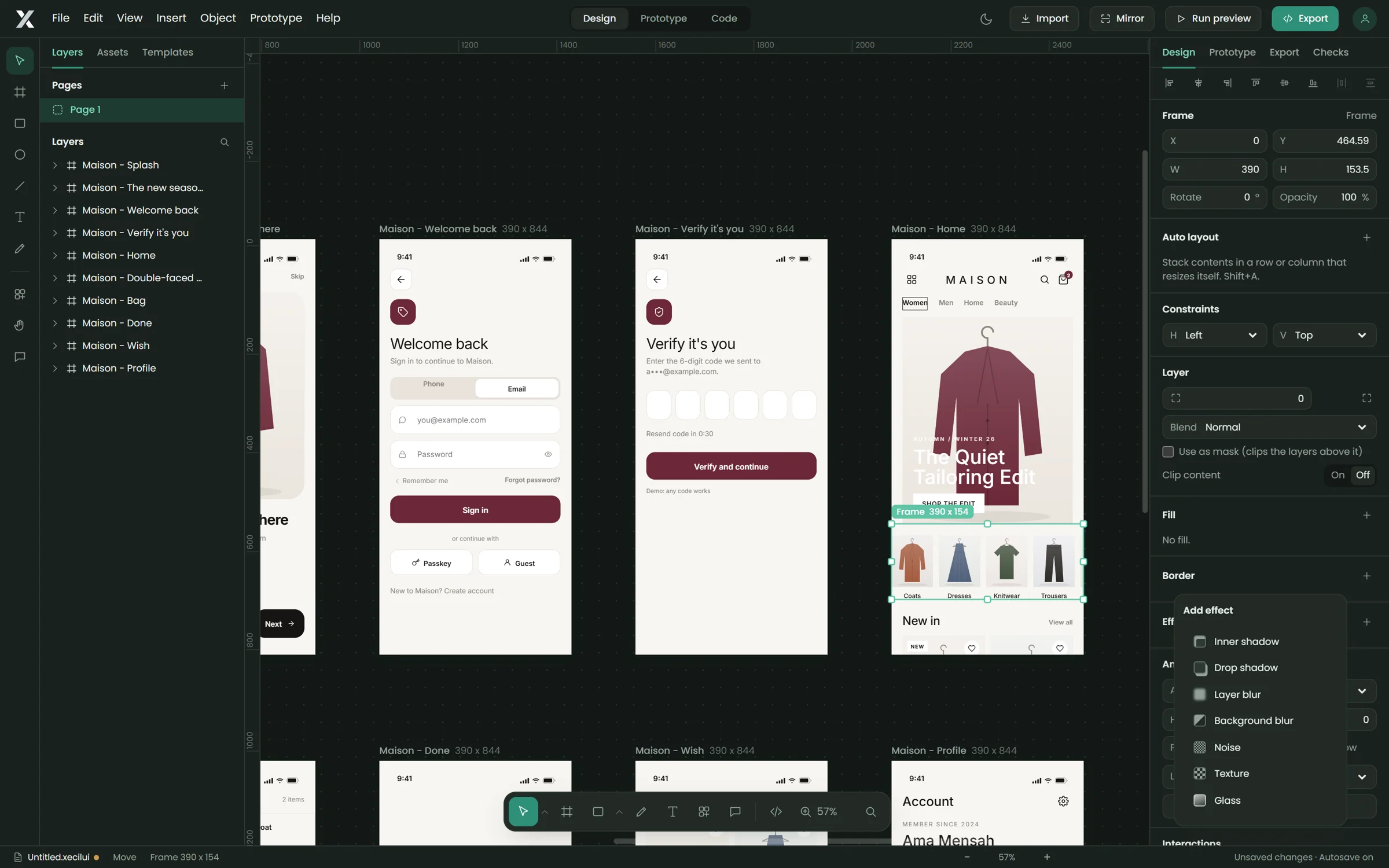
The full Figma set of effects
Stack as many as you like, switch each on or off, and they export to real CSS.
Inner shadowDrop shadowLayer blurBackground blur
NoiseTextureGlass
The native Windows design tool that finishes the job. Import your Figma files, design and prototype your screens, and get clean React + Tailwind code. Pay once, own it forever.
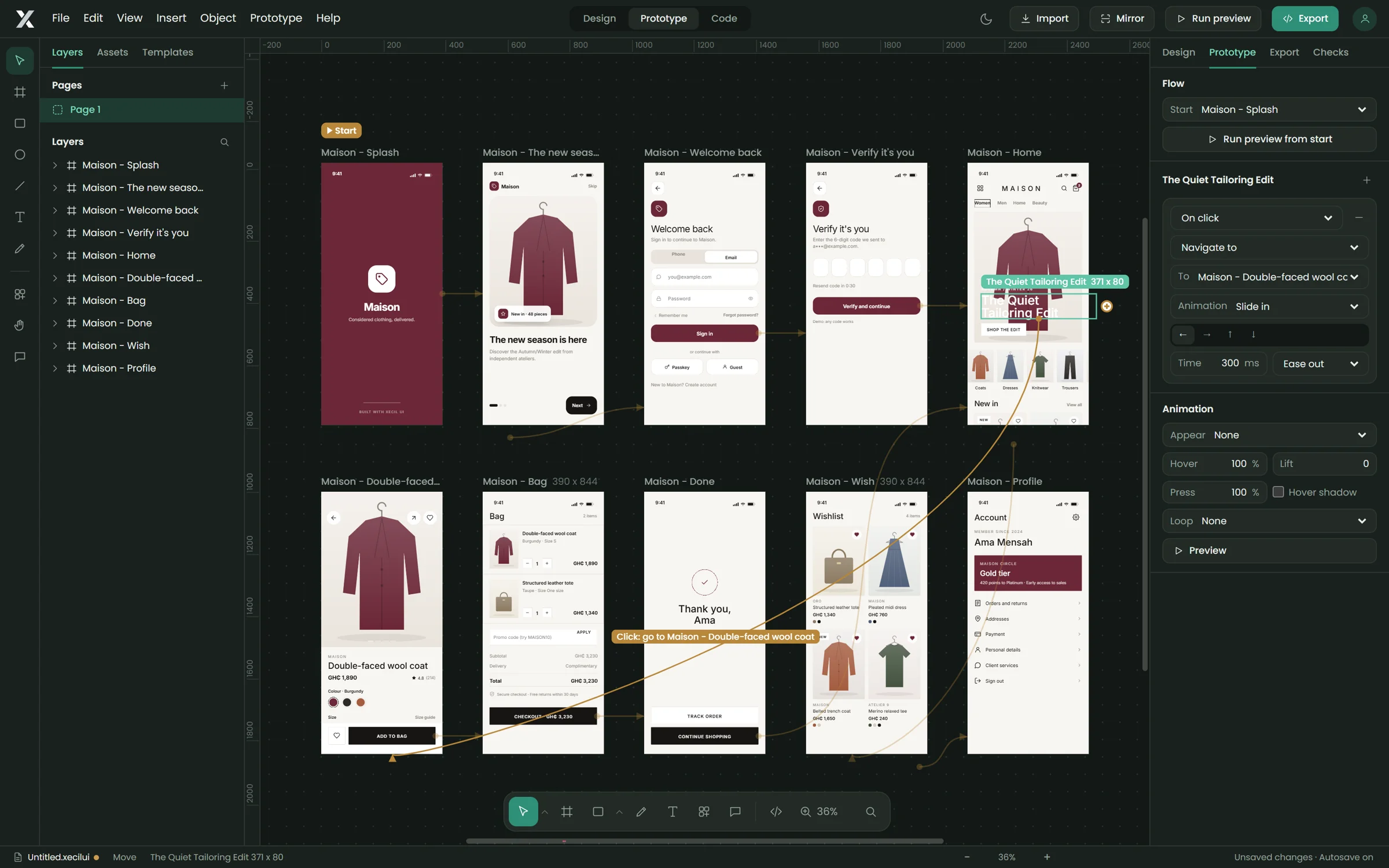
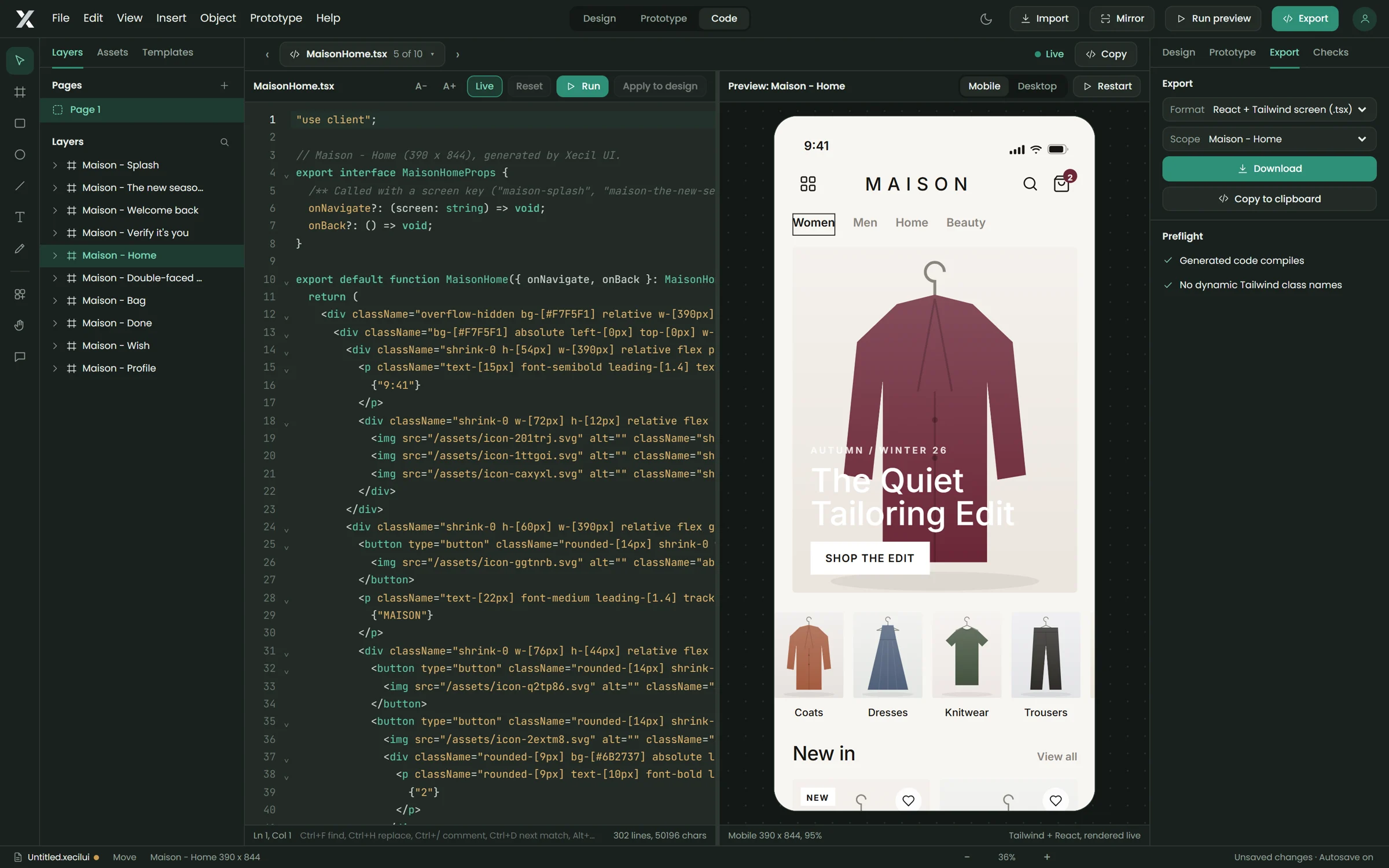
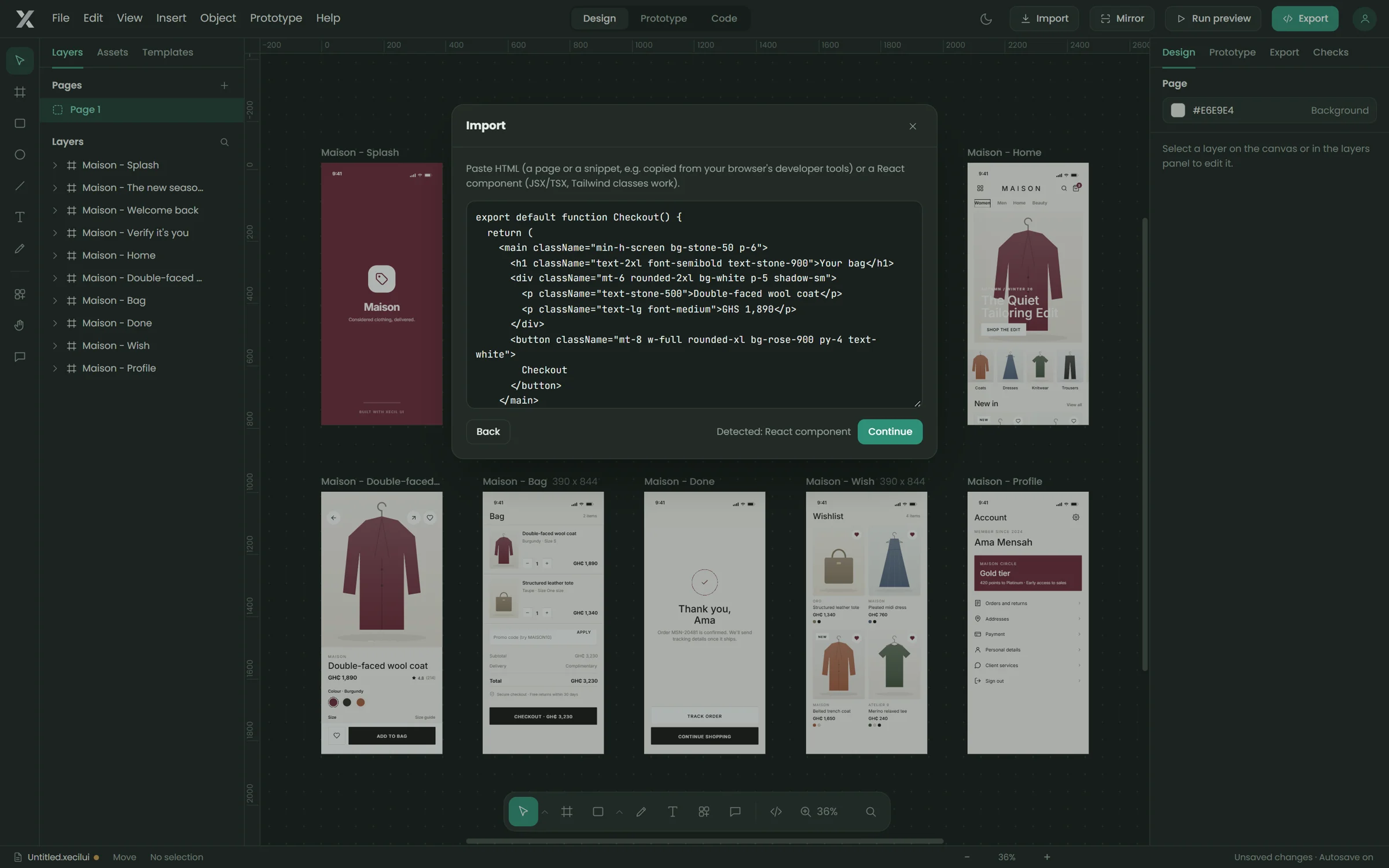
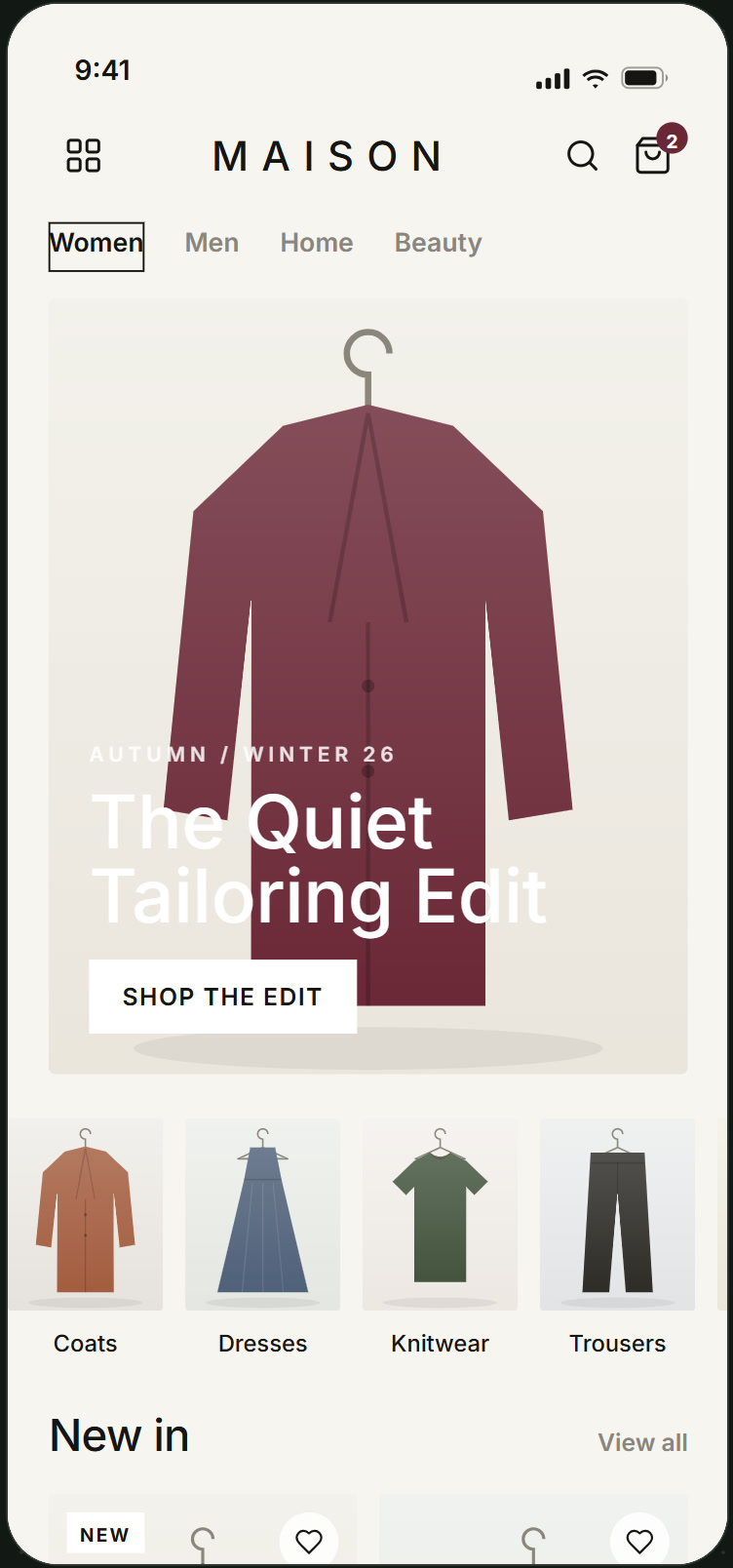
Real screenshots of Xecil UI working on the Maison fashion app, one of the 14 complete templates included.
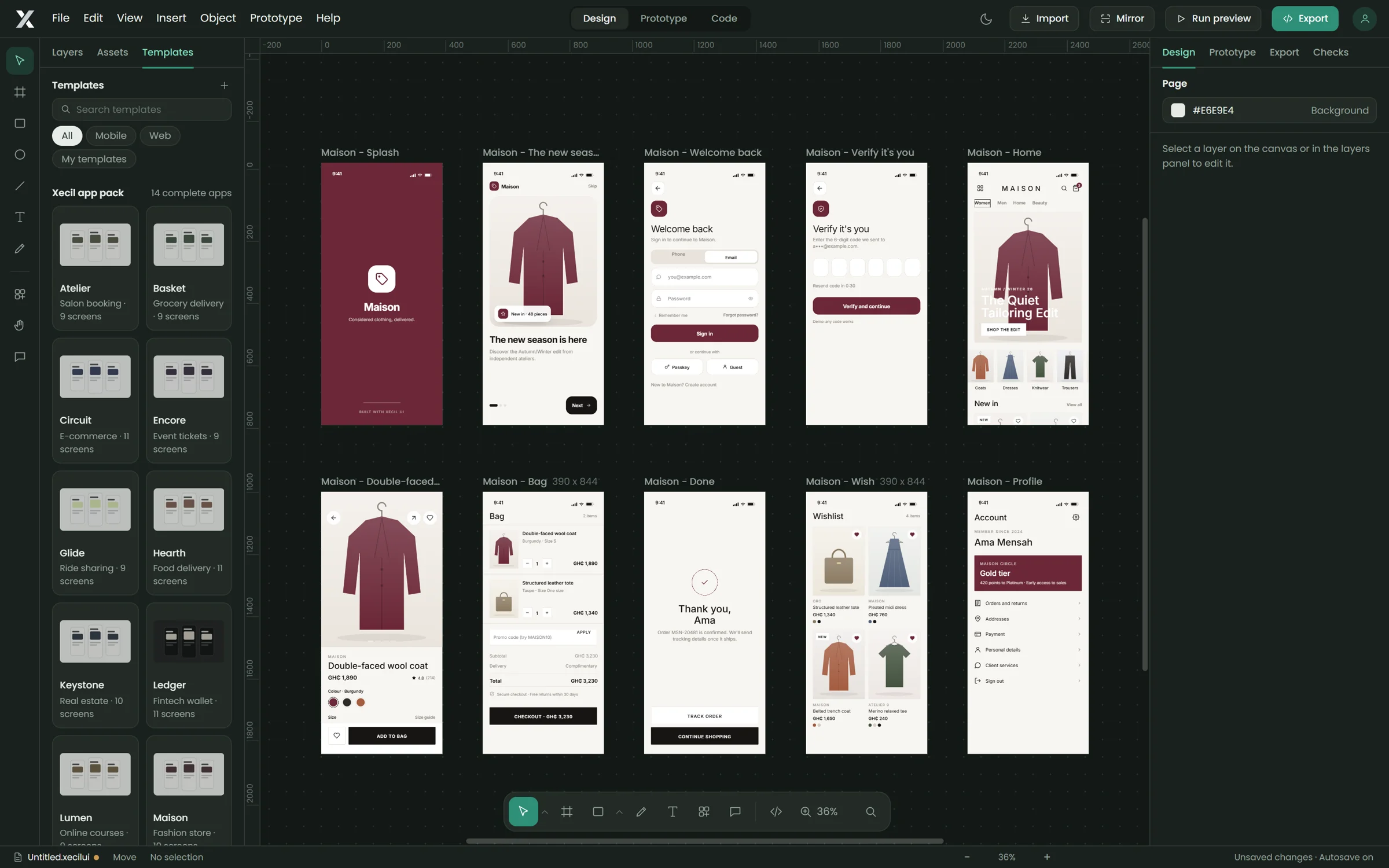
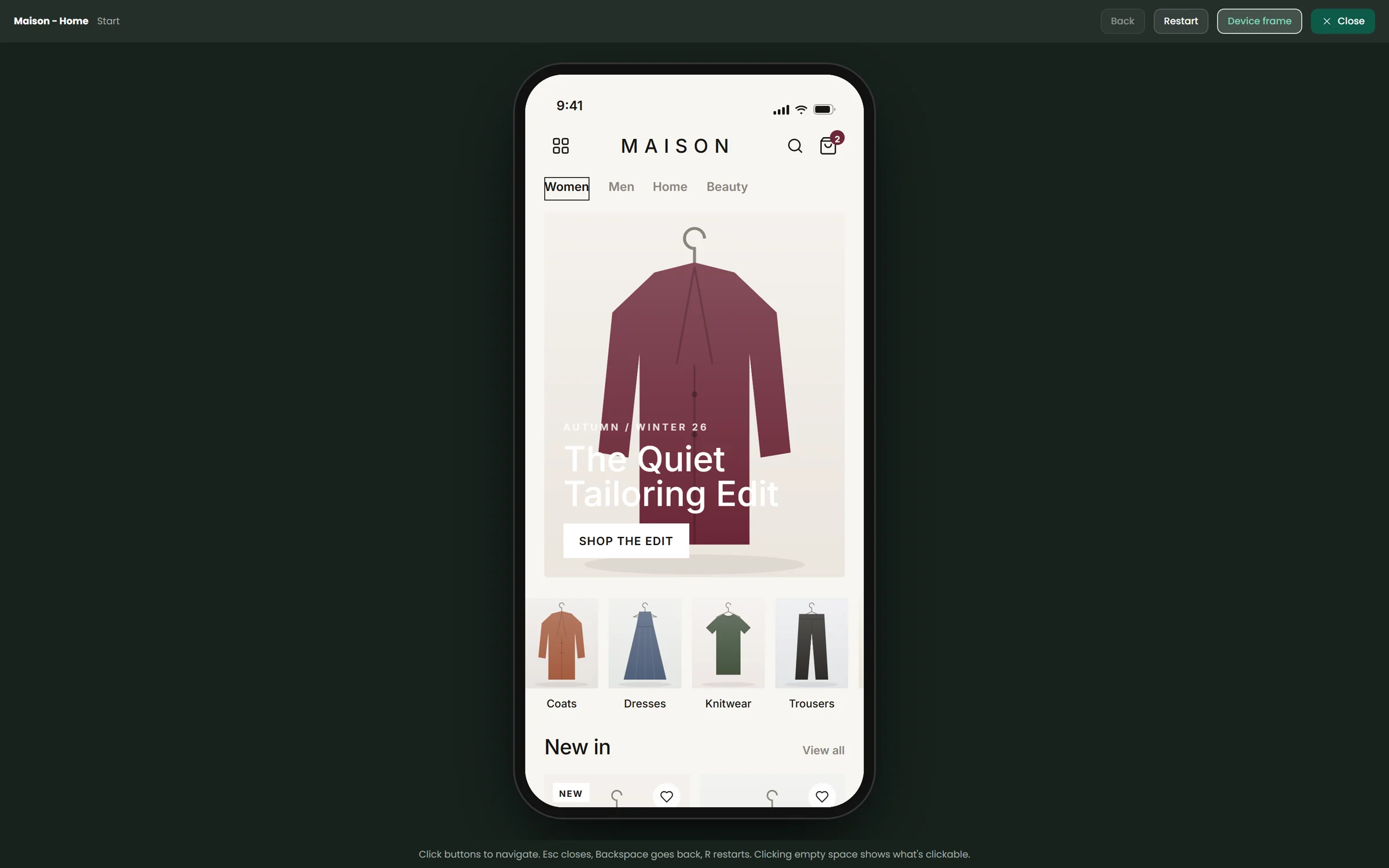 Full size
Xecil UI covers the whole path from idea to shipped screen, on your own computer, without a monthly bill.
Stack as many as you like, switch each on or off, and they export to real CSS.
Rows and columns that hug, fill and wrap, with padding and gaps that behave like CSS flexbox.
Build a button once. Change the main component and every copy follows, overrides kept.
Forward links curve across, back links arch over the top, tab bars loop underneath. Overlays are dashed.
Appear, hover, press and loop animations on any icon, button or text. They play in preview and export as CSS.
React + Tailwind for each screen, a ready-to-run Vite project, or a single HTML prototype.
Paste a file link to bring frames, text, vectors, images, auto layout and effects in as editable layers.
Mirror the prototype to any phone on your Wi-Fi with a QR code. Edit on the desktop, see it change in your hand.
Catch low contrast, small touch targets, broken links, missing images and fonts before developers do, with one-click fixes.
Autosave, crash recovery and scheduled backups to any folder, including a Google Drive or OneDrive folder.
Over 130 finished screens across fashion, food, fintech, travel, health and more. Plus your own template library.
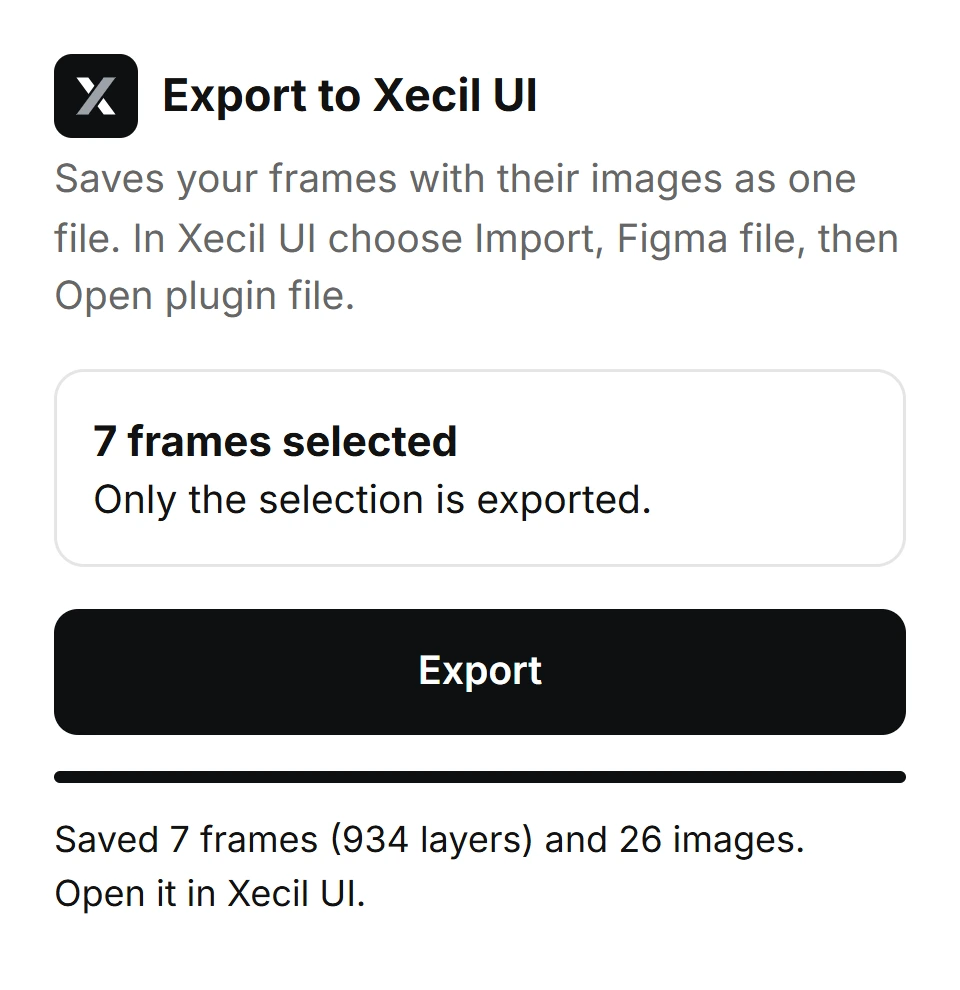
Run the free Xecil plugin in Figma, and your frames arrive in Xecil UI as real, editable layers, ready to prototype and turn into code.
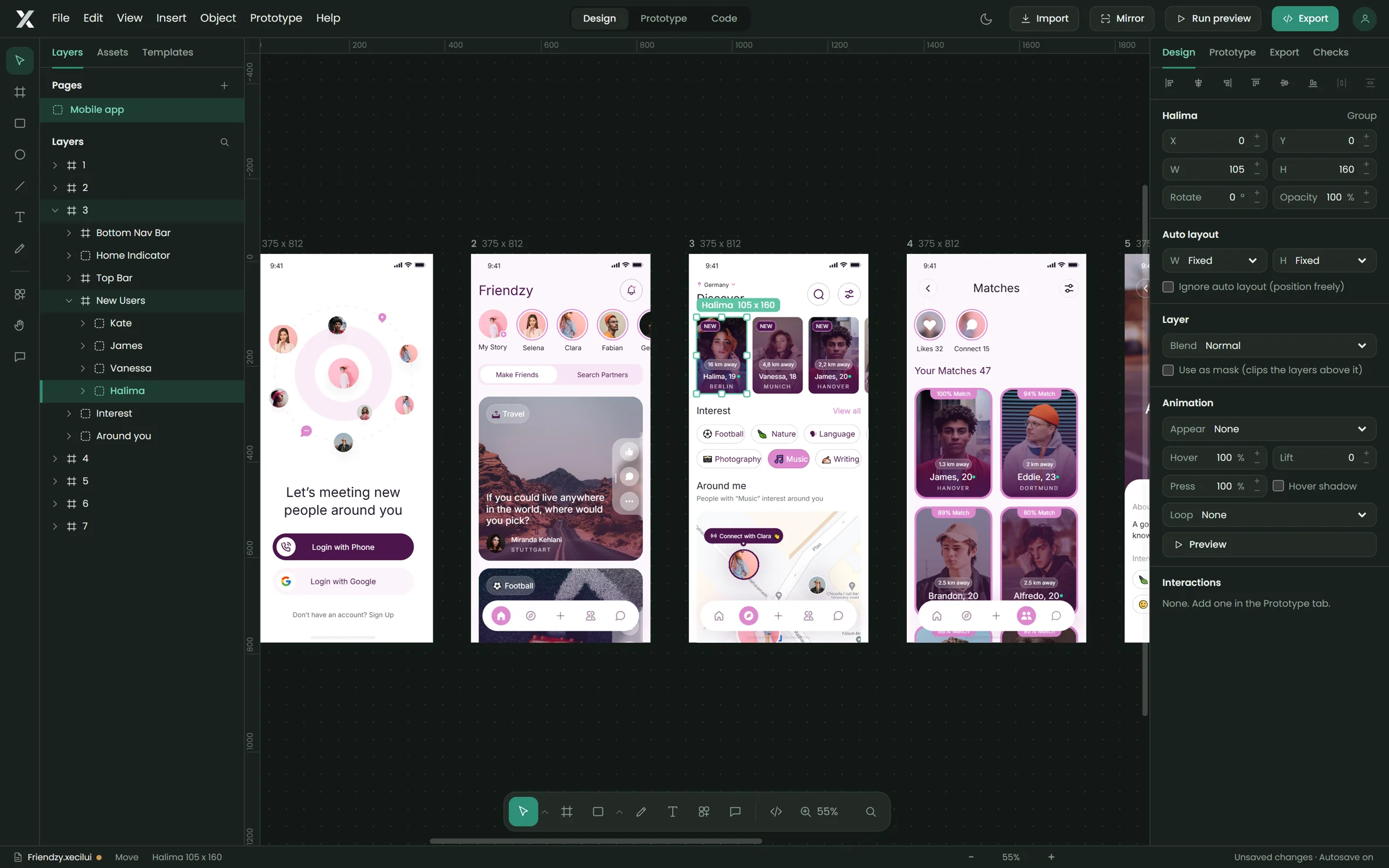 Imported from Figma
 Xecil UI Export
Open Code mode on any screen and read it as a React component, with the running result beside it. Change the code and apply it to the design. Paste code from anywhere and it comes back as layers.
Code modePrototype flowDrag the link handle from any button, tab or card onto a screen. Xecil UI routes each link around your layout, so ten screens and twenty links still read clearly.
Scan the QR code and your prototype opens on your phone over Wi-Fi. Nothing goes to the internet.
36 frames from the latest iPhone and Samsung models to tablets and desktops.
Export the whole prototype as a single HTML file with its links, transitions and animations. It opens in any browser.
Run the preview full screen with the device frame, back gestures and hotspot hints for clients.
Every step happens in the same file, so nothing gets lost between design, prototype and code.
Open a complete app template, import a website, React code or a Figma file, or begin on a blank frame.
Lay out screens with auto layout, components and effects. Design checks keep it accessible.
Link the flow, add transitions and animations, then test it on your own phone.
Export React + Tailwind, a Vite project, HTML, images, PDF or design tokens.
Stop paying and you lose access to your tool.
Yours for good, with every 1.x update. Works offline.
Subscription price is an example for illustration. Many design tools charge per editor, per month.
No subscription, no seats to renew, no features held back. Every feature, yours for good.
The complete app, every feature, on your Windows PC.
Your licence key arrives by email right after payment. Activate it in the app under Help > Enter license key.
Yes. You pay $79 once and the licence never expires. Updates within version 1 are included. A future major version may be offered separately, and your version keeps working either way.
Xecil UI is a desktop app for Windows 10 and Windows 11. It runs on your computer, not in a browser tab. A macOS version is coming soon, and your licence will cover it.
Each licence activates Xecil UI on one computer at a time. Moving to a new computer? Deactivate it on the old one and activate it on the new one. For a team, choose more licences on the order page.
No. You design, prototype and export offline. The app only goes online to activate your licence, check for updates, or when you choose to import from Figma or a website.
React components styled with Tailwind CSS, one per screen, with your prototype links wired up. You can also export a complete Vite + React project, a single-file HTML prototype, images, PDF, design tokens and a Tailwind theme.
Yes. Paste a Figma file or frame link with your Figma access token and choose the frames to bring in. Frames, text, vectors, images, auto layout, strokes and effects arrive as editable layers. Components come in as frames.
Yes. Everything you make, including the exported code, belongs to you and can be used and sold without restriction.
Place your order and complete the payment. Your licence key is emailed to you. In Xecil UI, open Help, choose Enter license key, and paste it in.
Join the designers turning finished screens into working code.